
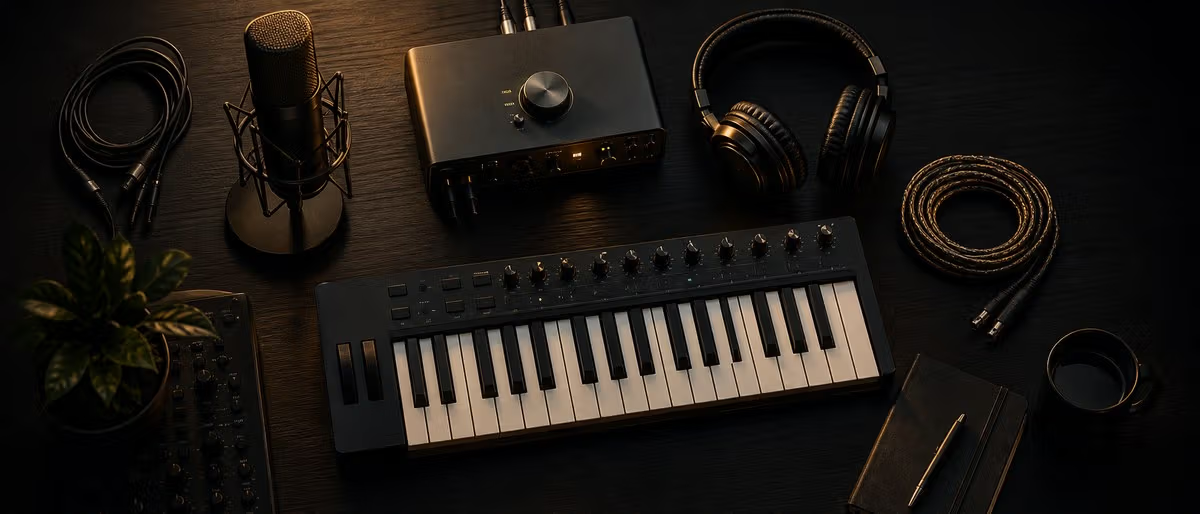
पहले होम स्टूडियो के लिए आवश्यक gear
कार्यात्मक होम स्टूडियो को आश्चर्यजनक रूप से कम components चाहिए। Core signal chain सरल: sound source, microphone, interface, computer, monitors। बाकी optional जब तक ज़रूरी न हो।
Room चयन और बुनियादी treatment
घर का सबसे शांत कमरा चुनें। बाहरी शोर — traffic, HVAC, पड़ोसी — उस room की हर recording का हिस्सा बन जाता है।
Gear जोड़ना और configure करना
Signal flow समझने पर physical setup सीधा। Audio interface से अंदर, monitors से बाहर — बीच में सब software।
पहली recording
सब जुड़ा हो तो कुछ सरल record करके setup test करें। असली project से पहले signal chain end-to-end काम करता है verify करना लक्ष्य।
टालने योग्य सामान्य setup गलतियाँ
अधिकांश beginners वही कुछ गलतियाँ करते हैं जो जानने पर आसानी से ठीक होतीं।
Starter gear की तुलना
| श्रेणी | Budget pick | Mid-range pick | Premium pick |
|---|---|---|---|
| Audio interface | Behringer UMC22 (लगभग $60) | Focusrite Scarlett 2i2 (लगभग $180) | Universal Audio Volt 276 (लगभग $330) |
| Headphones | Samson SR850 ($50) | Audio-Technica ATH-M50x (लगभग $150) | Beyerdynamic DT 990 Pro (लगभग $180) |
| Microphone | Behringer XM8500 (लगभग $20) | Audio-Technica AT2020 (लगभग $100) | Rode NT1 5th Gen (लगभग $270) |
| MIDI controller | Akai LPK25 ($55) | Arturia MiniLab 3 (लगभग $120) | Native Instruments S49 (लगभग $500) |
| Monitors | Presonus Eris E3.5 (लगभग $100/जोड़ी) | Yamaha HS5 (लगभग $400/जोड़ी) | Adam Audio T5V (लगभग $400/जोड़ी) |
शुरू से होम स्टूडियो कैसे सेट अप करें
Learning path
संबंधित आंसर हब
Home Studio Setup Home studio setup: build a practical room for recording, beats, and mixing. A practical home studio starts with a quiet room, a computer, one DAW, closed-back headphones, a small plugin stack, and organized samples. Add an audio interface, microphone, pop filter, stand, and basic acoustic tre... Music Production for Beginners Music production for beginners: a simple roadmap from first DAW to finished beat. A beginner music producer should pick one DAW, learn basic MIDI and drum programming, use a small set of free plugins and samples, finish a short beat, export it, and repeat the process weekly. Finishing tracks is mor... Vocal Recording and Mixing Vocal recording and mixing: a home studio workflow for clear vocals. A clear home vocal starts before mixing: choose a quiet space, place the mic correctly, use a pop filter, avoid clipping, and record several takes. In the mix, clean noise, EQ mud and harshness, compress for consisten...
अक्सर पूछे जाने वाले प्रश्न
- संगीत produce शुरू करने के लिए न्यूनतम क्या चाहिए?
- Computer, DAW (GarageBand, Cakewalk, Reaper trial जैसे मुफ़्त ठीक), और headphones। वास्तव में बस इतना। Interface और monitors महत्वपूर्ण upgrade पर day one required नहीं।
- Music production के लिए Mac या PC?
- 2026 में दोनों समान। Mac plug-and-play audio driver stability (Core Audio) में edge। PC अधिक power per dollar और आसान upgrades। Budget और existing ecosystem — DAW को OS की परवाह नहीं।
- पहले होम स्टूडियो पर कितना खर्च?
- पूर्ण functional beginner setup $300–$600। Interface ($60–$180), headphones ($50–$150), वैकल्पिक mic ($20–$100)। Computer और मुफ़्त DAW बाकी। Gear से पहले acoustic treatment पर ज़्यादा खर्च।
- Bedroom studio में acoustic treatment चाहिए?
- हाँ, monitors उपयोग करें तो। Basic treatment — reflection points पर चार panels और corners में bass traps — सुनने में बदलाव। केवल headphones mix करें तो कम critical पर recording में फिर भी मदद।
- Beginner कौन सा DAW उपयोग करे?
- Ableton Live Intro ($99) electronic/beat production। Logic Pro ($200, Mac only) all-in-one quality stock plugins। FL Studio ($99+) pattern-based beat making। Reaper ($60) lightweight customizable। सभी professional परिणाम दे सकते हैं।
- Recordings में computer fan noise कैसे कम करें?
- Mic computer से दूर — 3 feet भी मदद। Cardioid mic का null point (rear) computer की ओर। Fan persist हो तो condenser की जगह dynamic mic। Extreme: computer closet/adjacent room, लंबी USB/audio cables।
- सब एक साथ खरीदें या समय के साथ?
- समय के साथ। Headphones, interface, मुफ़्त DAW। कुछ महीने produce करके सीखें वास्तव में क्या चाहिए। दूसरी खरीद workflow limit करने वाली चीज़ पर — generic shopping list नहीं।